📜 In This Article
- What is an RC and When Do You Need a Duplicate?
- First Step — File an FIR (If RC is Lost)
- Eligibility Requirements
- Documents Required
- Apply Online via Vahan Portal — Step by Step
- Apply Offline at RTO
- Fees Breakdown
- Timeline — How Long Does It Take?
- How to Track Duplicate RC Application Status
- Get Digital RC from mParivahan or DigiLocker
- Common Errors and Fixes
- Frequently Asked Questions
What is an RC and When Do You Need a Duplicate?
A Registration Certificate (RC) — also called the RC Book or RC Smart Card — is the official document issued by your Regional Transport Office (RTO) that proves your vehicle is legally registered in your name and authorised to be driven on Indian roads. Carrying a valid RC is mandatory under the Motor Vehicles Act, 1988.
You need to apply for a Duplicate RC in any of these situations:
RC Lost or Stolen
Your physical RC book or smart card has been lost or stolen. You must file an FIR at the police station first, then apply for a duplicate online.
RC Damaged or Mutilated
The physical RC is torn, damaged by water or fire, or the printed text and details are no longer clearly readable. No FIR needed — just an affidavit.
RC Destroyed
The RC was destroyed in an accident, fire, or natural disaster. Supporting proof (FIR or news report for disaster) is required along with the application.
Photo or Text Faded
The owner's photograph or vehicle details on the old RC book have faded and are no longer legible. This is common with older RC books issued before smart cards.
First Step — File an FIR (If RC is Lost or Stolen)
If your RC has been lost or stolen, filing an FIR at your nearest police station is mandatory before applying for a duplicate. The FIR protects you legally in case the original RC is misused by someone else.
-
1Visit your nearest police station — it does not have to be the RTO's jurisdiction, any police station in your city will do.
-
2Report that your vehicle's RC book / smart card has been lost or stolen. Provide the vehicle registration number (from your number plate), vehicle make and model, and your personal details.
-
3The police will register a Non-Cognisable Report (NCR) or FIR. Collect the FIR acknowledgement slip — this is your proof of reporting. Keep multiple copies.
-
4Prepare a notarised affidavit on non-judicial stamp paper declaring that your RC has been lost and is not in the possession of any third party. This affidavit is required along with the FIR when submitting the duplicate RC application.
Eligibility Requirements
- Registered owner of the vehicle — only the person named as the registered owner in the RTO database can apply for a duplicate RC. If you have purchased the vehicle but the transfer of ownership is pending, the previous owner must apply.
- Vehicle must be registered — your vehicle's registration must be active and not expired, suspended, or cancelled. If your RC validity has lapsed, renew it first.
- Valid insurance — your vehicle must have a valid insurance policy at the time of application. Lapsed insurance will cause the application to fail.
- No outstanding challans — some RTOs require all pending traffic challans to be cleared before processing the duplicate RC. Check your challan status at echallan.parivahan.gov.in.
- FIR copy (if lost/stolen) — mandatory for loss or theft cases. Not required for damaged/mutilated RC.
- Vehicle under loan — if your vehicle is under hypothecation (bank loan), you can still apply for a duplicate RC. Some states may require an NOC from the bank/financier. The hypothecation details will continue to appear on the new RC.
Documents Required
For Lost / Stolen RC
- Form 26 — Application for duplicate RC (available free on vahan.parivahan.gov.in)
- FIR copy — from police station (mandatory)
- Notarised affidavit — declaring the RC is lost and not in possession of anyone
- Proof of identity — Aadhaar Card, Passport, Voter ID, or PAN Card
- Proof of address — Aadhaar, Passport, Voter ID, or utility bill
- Valid insurance certificate — must be current and active
- Valid PUC certificate — Pollution Under Control certificate
- Passport-sized photographs — 2 recent photos
- Chassis number — last 5 digits required for portal verification
For Damaged / Mutilated RC
- Form 26 — Application for duplicate RC
- Original damaged RC — must be surrendered to the RTO
- Affidavit — declaring the reason for damage and surrendering the original
- Proof of identity — Aadhaar, Passport, Voter ID, or PAN Card
- Proof of address — Aadhaar, Passport, or utility bill
- Valid insurance certificate
- Valid PUC certificate
- Passport-sized photographs — 2 recent photos
- Chassis number — last 5 digits
Apply Online via Vahan Portal — Step by Step
The official Vahan portal allows you to submit the duplicate RC application, pay fees, and upload documents entirely online. An RTO appointment may be needed in some states for biometric verification or document submission.
-
1Go to vahan.parivahan.gov.in/vahanservice/vahan/ in your browser. Alternatively, visit parivahan.gov.in → Online Services → Vehicle Related Services → Select your state.
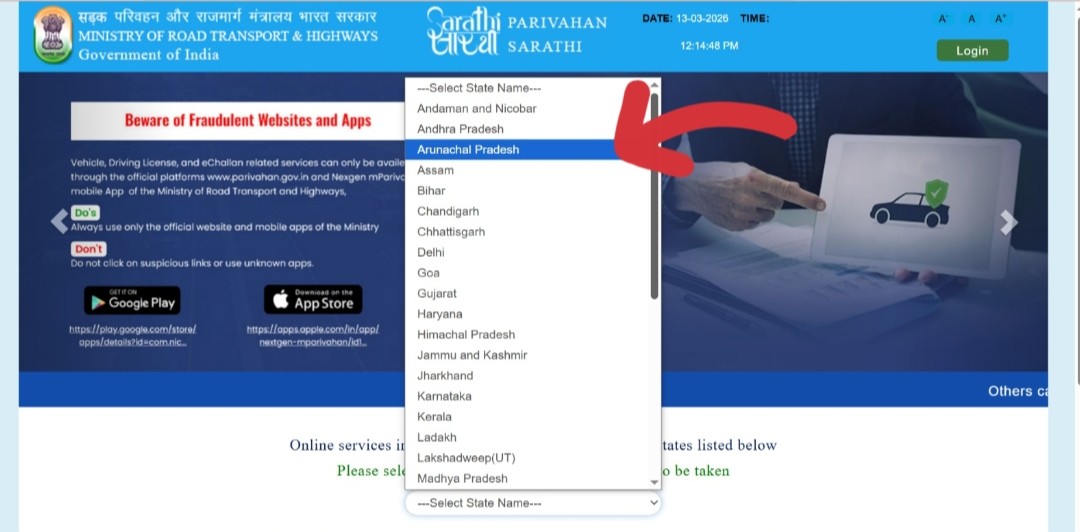 Visit the Vahan portal and enter your vehicle registration number
 -
2Enter your vehicle registration number in the search field (e.g., MH01AB1234) and click "Proceed".
-
3If you are a new user, click "Register" and create an account with your mobile number and email. Existing users can log in with their mobile number and OTP. The account is free and takes less than 2 minutes to create.
-
4Click on "Basic Services" from the top menu of the Vahan citizen services page.
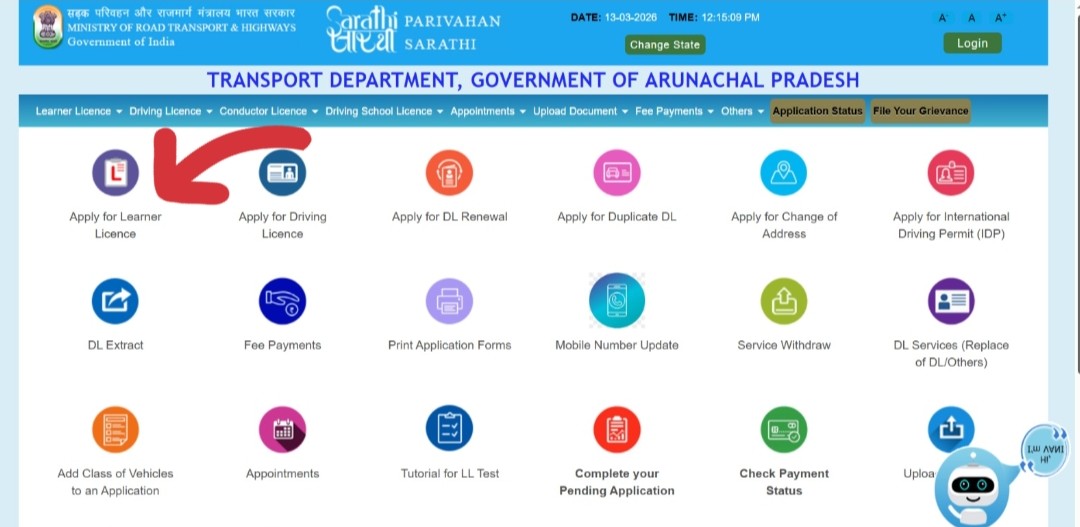 Click Basic Services → then navigate to RC related services
 -
5Enter the last 5 digits of your vehicle's chassis number in the provided field and click "Validate Regn_no/Chasi_no" to verify your ownership.
-
6Click "Generate OTP". An OTP will be sent to the mobile number registered with your vehicle. Enter the OTP and click "Submit".
-
7From the list of available services, select "Duplicate RC".
-
8Fill in the Service Details — select the reason for duplicate RC (Lost, Damaged, Destroyed, Mutilated), enter the FIR number and date (for lost/stolen), and other required details.
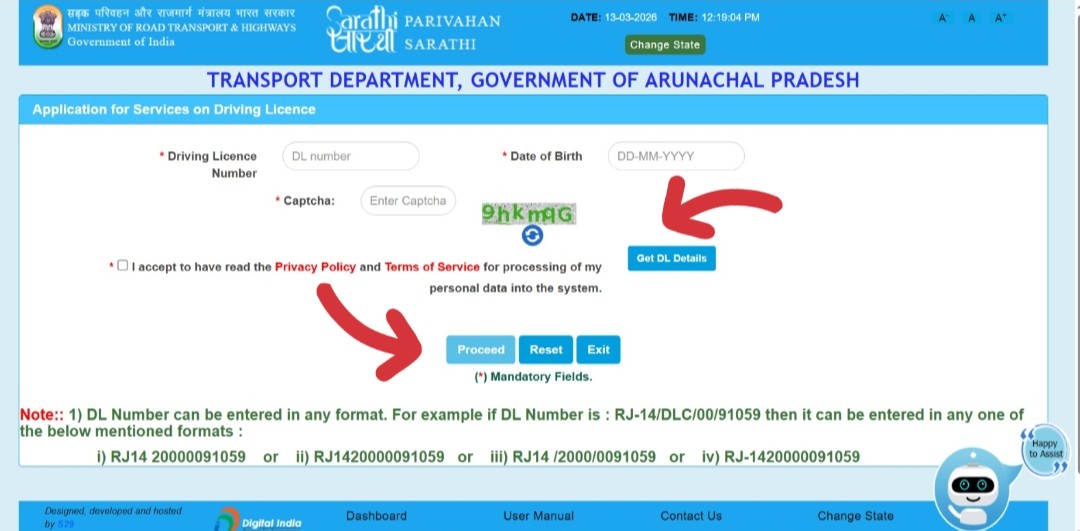 Select the reason, enter FIR details (if lost), and fill service information
 -
9Update your Insurance Details — enter your current insurance policy number, insurer name, and policy validity dates. This is a mandatory step.
-
10Review the Fee Panel. The applicable fee will be calculated and shown. Click "Proceed" to go to the payment page.
-
11Pay the fee online via UPI, debit card, credit card, or net banking. Save the payment receipt — your application is now submitted. Note the application reference number.
-
12Upload documents (if your state's Vahan configuration requires it) — scanned copies of FIR, affidavit, proof of identity, proof of address, insurance, PUC, and photograph. Files must be in JPG or PDF format, under 500 KB each.
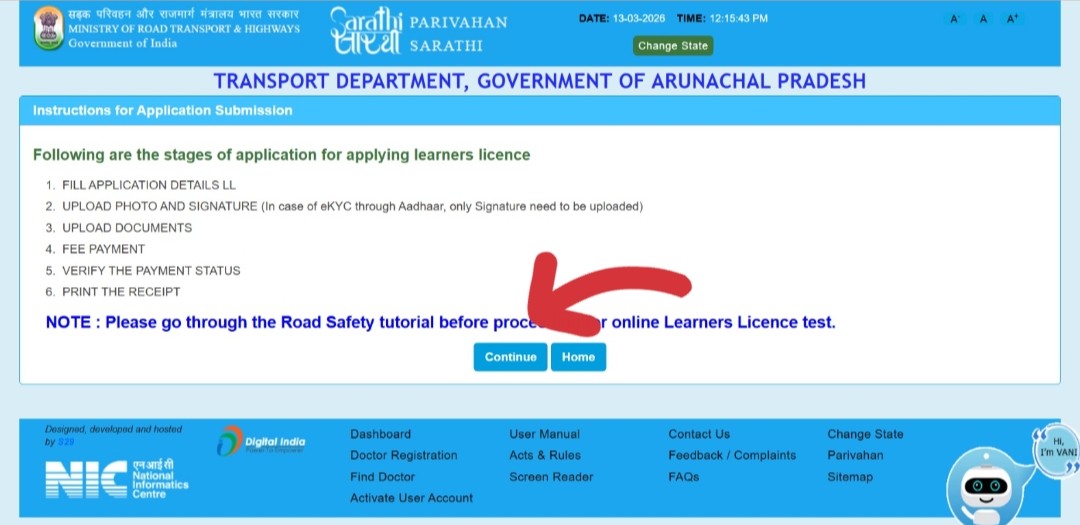 Upload all required documents and confirm submission
 -
13Book an appointment (if required by your state) to visit the RTO for document verification and to surrender the original damaged RC if applicable. The portal will show if an appointment is needed.
-
14A receipt is generated with your application reference number. Download and save this receipt — you will use it to track your application status.
Apply Offline at the RTO
If you prefer to apply in person, or if your state's online portal is not working for your vehicle, visit the RTO where your vehicle is registered.
-
1Download and print Form 26 (Application for Duplicate RC) from parivahan.gov.in, or collect a physical copy from the RTO front desk. Fill it completely in capital letters.
-
2Attach all required documents — FIR copy (if lost), affidavit, proof of identity, proof of address, insurance certificate, PUC certificate, photographs, and the original damaged RC (if applicable).
-
3Visit the RC Services desk at the RTO where your vehicle is registered. Submit your complete application set.
-
4Pay the prescribed fee at the RTO counter — cash, demand draft, or via the online payment link the RTO officer provides. Collect the fee receipt.
-
5Collect your acknowledgement slip with the application reference number. This is your proof of submission. Use it to track the status online.
-
6The duplicate RC smart card will be dispatched to your registered address by speed post once processing is complete — typically within 15–30 working days.
Fees Breakdown
All fees are standard MoRTH rates. Some states may charge slightly more. All fees are non-refundable once paid.
| Fee Component | Amount | Notes |
|---|---|---|
| Duplicate RC Application Fee | ₹300 – ₹500 | Main fee paid to RTO. Varies by state and vehicle class. |
| Smart Card Fee | ₹200 | For printing and issuing the new smart card RC. |
| Speed Post / Delivery Charges | ₹50 – ₹100 | For dispatching the duplicate RC to your address. |
| Notarised Affidavit | ₹50 – ₹200 | Notary fees — paid at a notary office, not RTO. |
| FIR Copy | Free | Police station provides the FIR copy at no charge. |
Timeline — How Long Does It Take?
| Stage | Time Required | Notes |
|---|---|---|
| File FIR (if lost) | 1–2 hours | Visit police station; usually done same day |
| Get affidavit notarised | 30 min – 1 day | Notary offices near courts or markets |
| Online application submission | 30–60 minutes | Once all documents are ready |
| RTO verification (if required) | 1 RTO visit | Some states require this for certain document checks |
| RTO processing | 7–15 working days | After application and documents are verified |
| Printing and dispatch | 5–10 working days | Smart card printing and speed post dispatch |
| Delivery by post | 3–7 days | Speed post delivery after dispatch |
| Total (typical) | 15–30 working days | From submission to receiving the card |
How to Track Your Duplicate RC Application Status
You can check the status of your duplicate RC application online at any time:
Via Vahan Portal
-
1Go to vahan.parivahan.gov.in/vahanservice and log in with your registered mobile number.
-
2Click on "Status" in the top menu and select "Know Your Application Status".
-
3Enter your application reference number or your vehicle registration number and click Search. Your current application stage will be displayed.
Via SMS
Send an SMS: VAHAN [Vehicle Registration Number] to 7738299899 to get basic vehicle status including RC details.
Via Phone
Call the Parivahan helpline at 1800-180-0151 (toll-free) or 0120-492 5505 with your application reference number for a status update.
Get Digital RC from mParivahan or DigiLocker (Immediately)
While waiting for the physical duplicate RC to arrive, you can access your legally valid digital RC right now using the mParivahan app or DigiLocker. These are accepted by traffic police across India under the Motor Vehicles Act.
Via mParivahan App
- Download the NextGen mParivahan app from Google Play Store or Apple App Store
- Register with your mobile number → tap Informational Services → RC Search
- Enter your vehicle registration number — your digital RC will appear and can be shown to traffic police at any time
Via DigiLocker
- Open digilocker.gov.in or the DigiLocker app
- Log in with your Aadhaar-linked mobile number
- Search for "Vehicle Registration Certificate" under Ministry of Road Transport and Highways
- Enter your vehicle registration number — your RC will be fetched directly from the Vahan database and stored in your DigiLocker permanently
Common Errors and Fixes
❌ "Vehicle Not Found" When Entering Registration Number
Your vehicle's records may not be fully migrated to the Vahan digital portal. This is common for vehicles registered before 2010 in some states.
Fix: Visit the RTO where your vehicle is registered and request a Vahan database migration. Once updated (usually 2–3 days), the online application will work.
❌ "Chassis Number Validation Failed"
You entered the wrong chassis number or the wrong 5 digits. The chassis number is a 17-character VIN code — the portal requires the last 5 characters.
Fix: Locate your chassis number on the vehicle (door frame, firewall, under dashboard) or on your insurance certificate. Enter only the last 5 characters — letters and numbers, exactly as engraved.
❌ "OTP Not Received" on Registered Mobile
Your registered mobile number in the Vahan database may be outdated or incorrect.
Fix: Go to vahan.parivahan.gov.in → Online Services → Change Mobile Number. Update it with your current number. Once updated, the OTP will be delivered correctly.
❌ "Insurance Expired" Error During Application
The Vahan portal blocks duplicate RC applications if the vehicle's insurance has lapsed. You must have valid, active insurance to apply.
Fix: Renew your vehicle insurance immediately. After renewal, contact your insurance company and confirm they have updated the policy details on the Vahan database. Once the insurance shows as valid on Vahan, proceed with the duplicate RC application.
❌ Application Rejected by RTO
Rejection usually happens due to incomplete documents, mismatched details between the FIR and application, or outstanding challans.
Fix: Check the rejection reason in your application status on the Vahan portal. Clear any outstanding challans at echallan.parivahan.gov.in. Resubmit with corrected and complete documents.
Frequently Asked Questions
FIR is mandatory only if your RC is lost or stolen — i.e., the original is not in your possession. If your RC is physically with you but is damaged, torn, or faded, you do not need an FIR. An affidavit and the original damaged RC are sufficient.
Yes. Access your digital RC via the mParivahan app or DigiLocker — both are legally valid for traffic checks across India under the Motor Vehicles Act. Keep your payment receipt and application acknowledgement with you as additional proof that a duplicate application is in process.
Once a duplicate RC is issued, the original RC becomes invalid — you must surrender it to the RTO immediately. Holding both simultaneously is illegal. If you find the original before the duplicate is issued, you can withdraw the application through the Vahan portal under Status → Dispose Application.
Yes. A vehicle under hypothecation (bank loan) can still have a duplicate RC issued. The hypothecation details will continue to be reflected on the new duplicate RC. Some states may require an NOC from the financing bank — check with your local RTO.
No. The duplicate RC will have the same registration number as the original. The vehicle's registration number never changes unless you apply for a new registration (which is only allowed in specific circumstances under the Motor Vehicles Act). Only the issue date will reflect when the duplicate was issued.
The duplicate RC can only be applied for by the currently registered owner in the Vahan database. If you have purchased the vehicle but the transfer of ownership has not been completed, the previous owner's name is still in the database. Complete the ownership transfer first, then apply for the duplicate if needed.
There is no legal restriction on the number of times you can apply for a duplicate RC. However, each application requires a fresh FIR (for lost RC), affidavit, and full payment. RTOs may require additional scrutiny for repeated applications to prevent misuse.
You can apply for the duplicate RC online via the Vahan portal regardless of your current state of residence — the application is processed by the RTO where the vehicle is registered. For offline applications, you may apply at your current local RTO, but will need to include supporting documents to transfer the case to the original RTO in some states.