📜 In This Article
- What is an eChallan?
- Check by Vehicle Number
- Check by Challan Number
- Check by DL Number
- How to Pay eChallan Online
- Pay via mParivahan App
- Pay Offline at Police Station
- Common Traffic Fine Amounts 2026
- Payment Deadline and Late Payment
- Beware of Fake eChallan Scams
- How to Dispute a Wrong Challan
- Common Issues and Fixes
- Frequently Asked Questions
What is an eChallan?
An eChallan (electronic challan) is a digital traffic fine issued by traffic police through a centralised system connected to the Parivahan portal. It replaces the old paper challan and is generated instantly using handheld devices, CCTV cameras, speed cameras, and body-worn cameras used by traffic police across India.
When a violation is recorded, the challan is automatically linked to your vehicle's registration number or driving licence number in the national database. You receive an SMS alert, but the challan exists in the system regardless of whether the SMS arrived — which is why it is important to check your vehicle's challan status regularly.
Common Reasons for an eChallan
Check eChallan by Vehicle Number (Most Common)
This is the method most people use — no challan number needed, just your vehicle's registration number.
-
1Open your browser and go to echallan.parivahan.gov.in — the official eChallan portal by MoRTH.
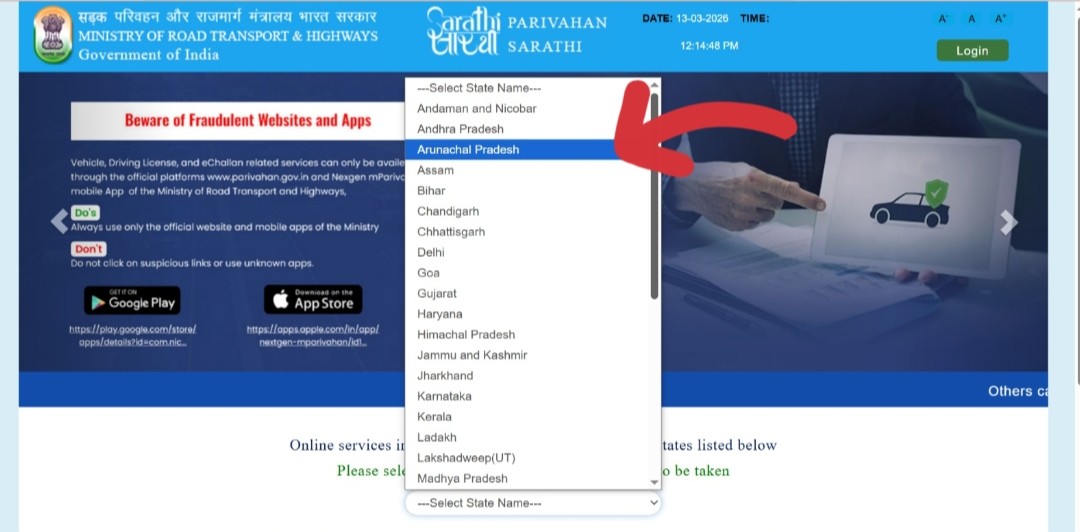 Visit echallan.parivahan.gov.in — the official Government of India eChallan portal
 -
2On the homepage, click on "Check Challan Status" from the top menu or the Check Online Services dropdown.
-
3On the search page, select "Vehicle Number" from the three available options (Vehicle Number / Challan Number / DL Number).
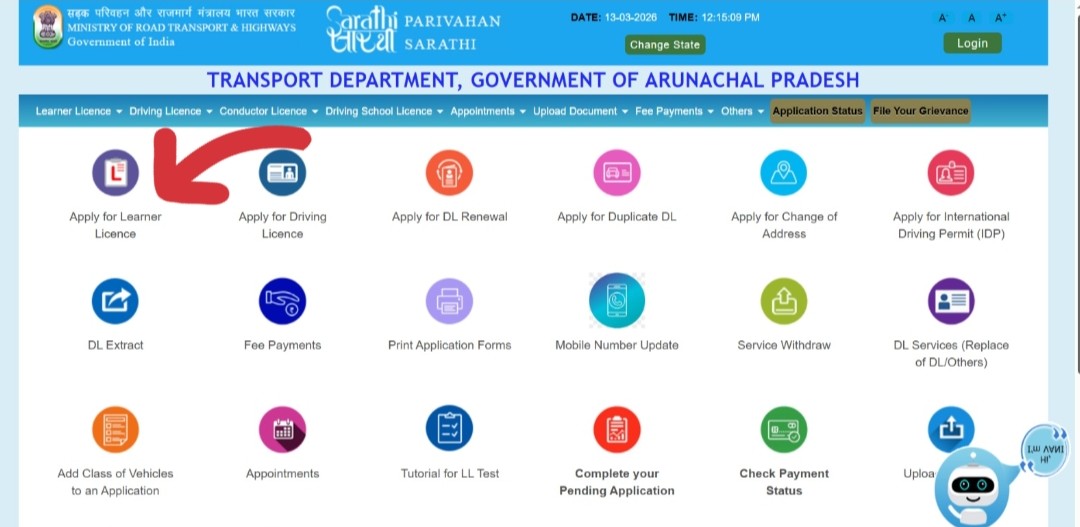 Select "Vehicle Number" as your search method
 -
4Enter your complete vehicle registration number without spaces (e.g., MH01AB1234). Enter the captcha code shown on screen.
-
5Click "Get Details." All challans linked to your vehicle number will appear — both pending and paid. If no challan is found, it means there are no recorded violations against your vehicle in the national database.
-
6If a pending challan appears, review the violation details — offence type, date, location, fine amount — and click "Pay Now" to proceed to payment.
Check eChallan by Challan Number
If you received a physical challan or an SMS with a challan number, use this method for direct and precise lookup.
-
1Go to echallan.parivahan.gov.in → click "Check Challan Status."
-
2Select "Challan Number" from the search options.
-
3Enter the challan number exactly as printed on the physical challan slip or as mentioned in the SMS. Challan numbers are typically 15–17 characters long.
-
4Enter the captcha code and click "Get Details." All information about that specific challan will appear — including payment status.
Check eChallan by Driving Licence (DL) Number
Challans linked to your driving behaviour (rather than a specific vehicle) are linked to your DL number. Drunk driving and licence violations are often recorded against the DL.
-
1Go to echallan.parivahan.gov.in → click "Check Challan Status."
-
2Select "DL Number" from the search options.
-
3Enter your Driving Licence number exactly as printed on your DL card (e.g., MH0120110012345). Enter the captcha code.
-
4Click "Get Details." All challans linked to your driving licence will be displayed.
How to Pay eChallan Online — Step by Step
Once you have found a pending challan, paying it online takes less than 5 minutes. You can pay directly from the same portal without navigating to a separate page.
-
1After finding the pending challan via the Check Challan Status page, click the "Pay Now" button next to the unpaid challan.
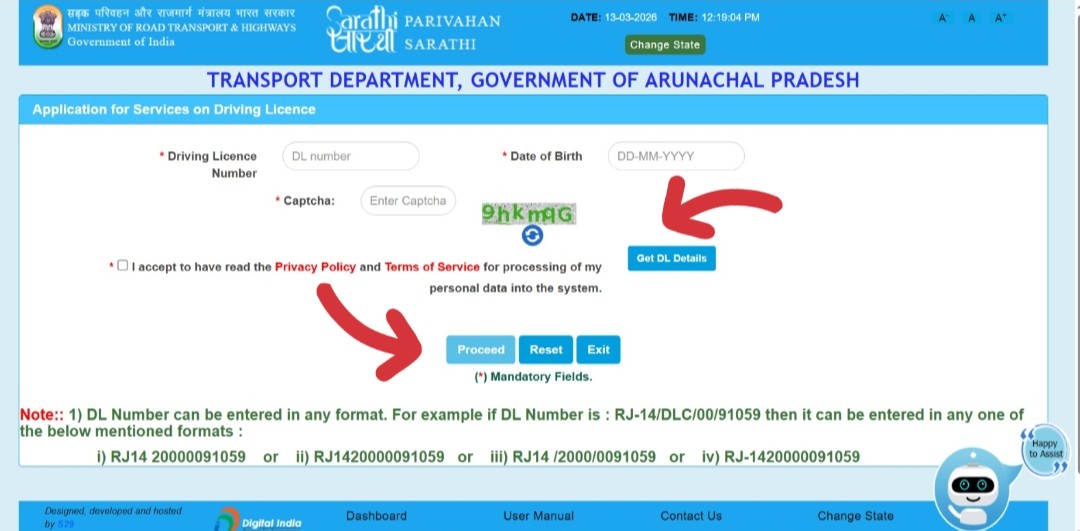 Click Pay Now on the pending challan to proceed to payment
 -
2You will be prompted to enter the mobile number registered with the challan. This is the mobile number linked to your vehicle's RC or DL. Enter it and click "Generate OTP."
-
3Enter the OTP sent to the registered mobile number. This verifies your identity as the vehicle owner before allowing payment. Click "Verify OTP."
-
4Review the challan details one final time — vehicle number, violation type, fine amount. Click "Proceed to Pay" to go to the payment gateway.
-
5Select your preferred payment method:
- UPI (Google Pay, PhonePe, Paytm, BHIM) — fastest method
- Debit Card — Visa, Mastercard, RuPay
- Credit Card — Visa, Mastercard
- Net Banking — all major banks supported
-
6Complete the payment on the secure government payment gateway. Do not close the browser tab or navigate away during payment — wait for the confirmation page to load fully.
-
7After successful payment, a payment receipt is generated with a transaction ID and challan number. Download the PDF receipt immediately and save it. This is your official proof of payment.
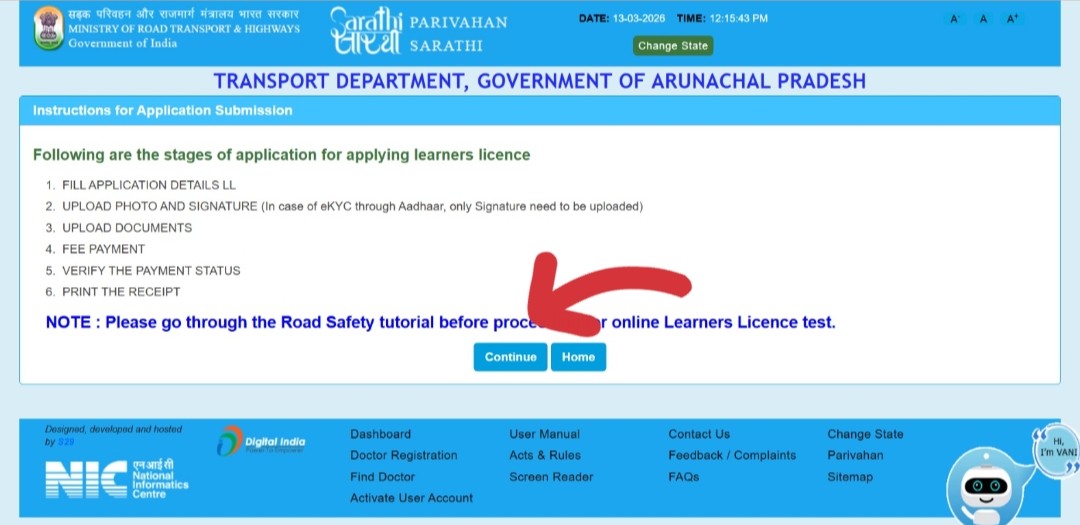 Download the payment receipt PDF — this is your proof of payment
 -
8The challan status in the portal updates to "Paid" within 24–48 hours. If it still shows pending after 48 hours, use the "Verify Payment" option on the portal with your transaction ID.
Check and Pay via mParivahan App
The official mParivahan app is the most convenient way to monitor and pay challans on your phone — it sends real-time notifications when a new challan is issued against your vehicle.
-
1Download the NextGen mParivahan app from the Google Play Store or Apple App Store. It is free and official. Search for "mParivahan NIC eGov."
-
2Register with your mobile number and add your vehicle's registration number to the app. You can add multiple vehicles.
-
3Tap "Informational Services" → "Check eChallan". Enter your vehicle registration number or DL number to view pending challans.
-
4Tap on any pending challan and select "Pay Now." You will be redirected to the official eChallan payment gateway to complete the transaction.
-
5After payment, the receipt is available in the app. You will also receive a push notification confirming successful payment.
Pay eChallan Offline at Police Station or Traffic Counter
If online payment is not working or you prefer to pay in person, challans can be paid offline through official channels.
Option A — At the Nearest Traffic Police Counter
- Visit the nearest traffic police booth, police station, or court (depending on the challan type)
- Carry the challan receipt or the printout from the eChallan portal showing the challan details
- Pay the fine amount in cash or by card at the designated counter
- Collect a physical receipt as proof of payment — keep it safe
Option B — Using the eChallan Handheld Machine (On the Spot)
- If stopped by traffic police, challans can be paid immediately on their handheld device
- Payment can be made via UPI scan, debit card, or cash depending on the device
- A digital receipt is generated and sent to your registered mobile number
Option C — Virtual Court (After 60 Days)
If a challan is not paid within 60 days, it is transferred to the Virtual Court system. Payment then happens through the court's portal — additional court fees may be added. Access it at ecourts.gov.in.
Common Traffic Fine Amounts in India 2026
These are standard fine amounts under the Motor Vehicles (Amendment) Act, 2019. State governments may add surcharges or reduce certain fines — check with your state RTO for state-specific rates.
| Violation | Fine Amount | Repeat Offence |
|---|---|---|
| Signal jumping / Red light violation | ₹1,000 – ₹5,000 | ₹2,000 |
| Speeding (private vehicle) | ₹1,000 – ₹2,000 | ₹2,000 |
| No helmet (two-wheeler rider) | ₹1,000 | ₹1,000 + DL suspension |
| No seatbelt (all occupants) | ₹1,000 | ₹1,000 |
| Mobile phone use while driving | ₹1,000 – ₹5,000 | ₹10,000 |
| Drunk driving (first offence) | ₹10,000 | ₹15,000 + imprisonment |
| Driving without licence | ₹5,000 | ₹10,000 |
| Driving with expired licence | ₹5,000 | ₹5,000 |
| No insurance (vehicle) | ₹2,000 | ₹4,000 + imprisonment |
| No registration / driving unregistered vehicle | ₹5,000 | ₹10,000 |
| Overloading (passenger) | ₹1,000 per extra person | DL suspended for 3 months |
| Dangerous driving | ₹1,000 – ₹5,000 | ₹10,000 |
| Parking violation | ₹500 – ₹1,000 | Vehicle towed |
| Driving without PUC certificate | ₹10,000 | ₹10,000 + imprisonment |
| Triple riding (two-wheeler) | ₹1,000 | DL suspended |
Payment Deadline and What Happens If You Don't Pay
60-Day Payment Window
After an eChallan is issued, you have 60 days to pay it through the eChallan portal. Within this window, payment is straightforward and no additional court fees apply.
After 60 Days — Challan Goes to Virtual Court
If unpaid after 60 days, the challan is automatically transferred to the Virtual Court system. The fine may increase with additional court fees. You can still pay online through the e-Courts portal, but the process becomes more complex.
Consequences of Ignoring an eChallan
- The challan remains permanently in the Vahan database — it does not disappear over time
- Vehicle transfer blocked: RTOs check for pending challans before processing ownership transfers (Form 29/30). A pending challan will block the transfer.
- RC renewal blocked: Some states block RC renewal if challans are outstanding
- DL renewal blocked: Uncleared challans may affect your DL renewal application
- Court summons: After 60 days in the Virtual Court system, a court summons may be issued. Ignoring this can result in a warrant.
- Driving Licence suspension: Repeat violations or ignoring court summons can result in DL suspension
Beware of Fake eChallan Scams
Fake eChallan scams are widespread across India. Fraudsters send SMS messages and WhatsApp forwards claiming a challan has been issued against your vehicle and demanding immediate payment through a link. These are phishing attacks designed to steal your money and banking details.
🚫 Red Flags — How to Spot a Fake eChallan SMS
- The SMS contains a payment link that leads to a non-government website (anything other than echallan.parivahan.gov.in)
- The link asks you to pay to a personal UPI ID (e.g., someone@paytm or someone@upi) — government portals never do this
- The message creates urgency — "Pay within 24 hours or your vehicle will be seized" — designed to panic you
- Poor grammar, spelling errors, or unusually low/high fine amounts
- The SMS is from an unknown number, not from "ECHLLN" or official traffic authority shortcodes
✅ The Safe Rule — 3 Steps
- Step 1: Do NOT click any link in any SMS or WhatsApp message about a challan
- Step 2: Open your browser and type echallan.parivahan.gov.in manually — never follow a link
- Step 3: Search by your vehicle number. If a challan exists, it will appear. If not, the SMS was fake — ignore it
How to Dispute a Wrong or Incorrect eChallan
If you believe a challan was issued incorrectly — wrong vehicle number, you were not at the location, wrong violation type, or the camera captured a different vehicle — you have the right to dispute it.
Method 1 — Online Grievance on eChallan Portal
-
1Go to echallan.parivahan.gov.in → click "Complaint" or "Grievance" from the top menu.
-
2Enter your challan number and vehicle number. Describe the dispute in detail and upload supporting evidence (photos, documents, or proof of your location at the time of the alleged violation).
-
3Submit the complaint. You will receive a complaint reference number. The traffic authority will review and respond within 7–30 days.
Method 2 — Visit the Traffic Police Station
Visit the traffic police station that issued the challan with your original documents, vehicle RC, and any evidence supporting your dispute. Ask to speak with the duty officer in charge of challan disputes. Bring copies of all documents.
Method 3 — Contest in Virtual Court
If the challan has been transferred to the Virtual Court after 60 days, you can contest it through the e-Courts platform at ecourts.gov.in. This is a formal legal process — consider consulting a lawyer if the fine amount is significant.
Common Issues and Fixes
The challan may not yet be uploaded to the national database. There is often a 24–72 hour delay between when a challan is issued and when it appears on the portal.
The payment was processed but the treasury synchronisation with the Vahan database takes 24–48 hours.
The OTP is sent to the mobile number registered with your vehicle in the Vahan database — which may be different from your current number.
A technical failure during payment processing can result in money being deducted without the challan being marked as paid.
Camera systems sometimes capture incorrect or similar-looking registration numbers, resulting in challans being issued to the wrong vehicle.
Frequently Asked Questions
No. Checking your eChallan status on echallan.parivahan.gov.in is completely free. Only the challan fine itself has a cost.
Yes. You can check the challan status for any vehicle by entering its registration number. This is commonly used by buyers checking used vehicles before purchase and by fleet operators monitoring company vehicles.
After 60 days, the challan is transferred to the Virtual Court system. Additional court processing fees may be added. Eventually, a court summons may be issued. Continued non-payment can result in vehicle impoundment or DL suspension.
Go to echallan.parivahan.gov.in → Check Challan Status → enter your vehicle number → find the paid challan → click "Print/Download Receipt." Alternatively, check the mParivahan app for the receipt. You can also contact helpdesk-echallan@gov.in with your transaction ID to request the receipt.
Yes. The eChallan system is national — you can check and pay challans for vehicles registered in any state across India through the central echallan.parivahan.gov.in portal.
Payment removes the monetary fine but does not necessarily remove demerit points from your licence record. India's demerit point system is still being rolled out. Repeat serious violations (drunk driving, dangerous driving) can still lead to DL suspension even after fine payment.
Once a challan is paid, it is considered settled. You cannot contest it after payment as payment implies acceptance of the violation. Always dispute before paying if you believe the challan is incorrect.
Yes. Delhi has its own portal at traffic.delhipolice.gov.in for traffic challans. Some states like Karnataka, Maharashtra, and Tamil Nadu also have state-specific portals for certain types of challans. However, the central echallan.parivahan.gov.in covers most challans across all states and is the recommended starting point.